1. Open your panel
Sign in with your account. Available stores depend on permissions and the connection configured for your company.

Oráculo IA · NegocioLibre
The Oráculo IA help center guides you from connecting a store to reviewing operations and WhatsApp. Start with your store connection, understand the difference between reading and saving, and continue with your team’s workflow.
Sign in with your account. Available stores depend on permissions and the connection configured for your company.
Open Store → Store settings. Verify the source store before reading or preparing operations.
Describe the task using a name, SKU or order number. You can clarify, correct or change intent during the conversation.
Check items, customer, quantities, prices and status. Approve only when the proposal matches your intention.
Open the original record and history. If a request fails or is slow, verify whether it was saved before repeating it.
Scan your store QR code and configure administrator and advisors. Mention the assistant in groups; talk directly in private.
Start by checking the selected store and account permissions. For a lookup, provide the name, SKU or order number. Resolve matches before preparing a change and verify the original record when finished.
History, store settings and the WhatsApp connection serve different purposes. If conversations are missing, use the authenticated panel. If an operation is slow, check its result before repeating it to avoid duplicates.
Before you start
No. It works with the original products, customers and orders in the connected store. Saved changes use WooCommerce functions and hooks.
Yes. Describe what you need and continue the conversation. If information is missing or matches are ambiguous, the assistant should resolve that with you before preparing a change.
Lookups do not change records. Write operations present a review and require the corresponding approval. Always check the store, line items and proposed values.
The store links its own connection using a QR code. Operations are restricted to authorized numbers. Private conversations do not require a mention; groups do.
The chat can analyze compatible formats within its size and reading limits. Background bulk import is a separate development: importing millions of products is not currently offered as an available capability.
On orders when your store connector and document plugin expose them. Oráculo IA shows available original documents; it does not invent invoices or turn a commercial PDF into a tax invoice.
Oráculo IA · NegocioLibre
Tell us how your team works and let’s review which operations you can bring to Oráculo IA.
You in command
Describe the result you want. Ask questions, compare alternatives, change your mind and keep talking. Oráculo IA is your AI assistant for WooCommerce: it helps connect product research, customer needs and your store’s operations.
From “which computer suits this customer?” to “prepare the order for this company,” you drive the conversation. Bring a product, a price list or a document and turn it into information for your next commercial decision.
“Find an affordable Dell laptop for office work. Explain the differences.”
Define budget, use and specifications. Ask for alternatives and an explanation you can bring to the buyer.
Explore this workflow →“Compare these references and calculate my profit if I sell at 549 pesos.”
Gather accessible references or lists you share. Review cost, taxes, version, availability and the price you want to compete with.
Explore this workflow →“Find the SKU in my catalog. Tell me the current price and how many units I have.”
Read the original WooCommerce product and use its data to move from an idea to a concrete proposal.
Explore this workflow →“Find the customer and prepare an order with two units. Show me the total.”
Clarify missing details, review the order and approve the available operation. Then check status and original documents.
Explore this workflow →These are example conversations. Research depends on accessible sources and available data; store operations depend on enabled tools, permissions and review.
Oráculo IA · WooCommerce
You do not need to think in commands. Explain the result you need: understand a product, compare prices, find a buyer or turn a sale into an order. Explore how each skill connects to your daily work.

One identified product. Current fields in view. A proposal you can review.
Explore the skill →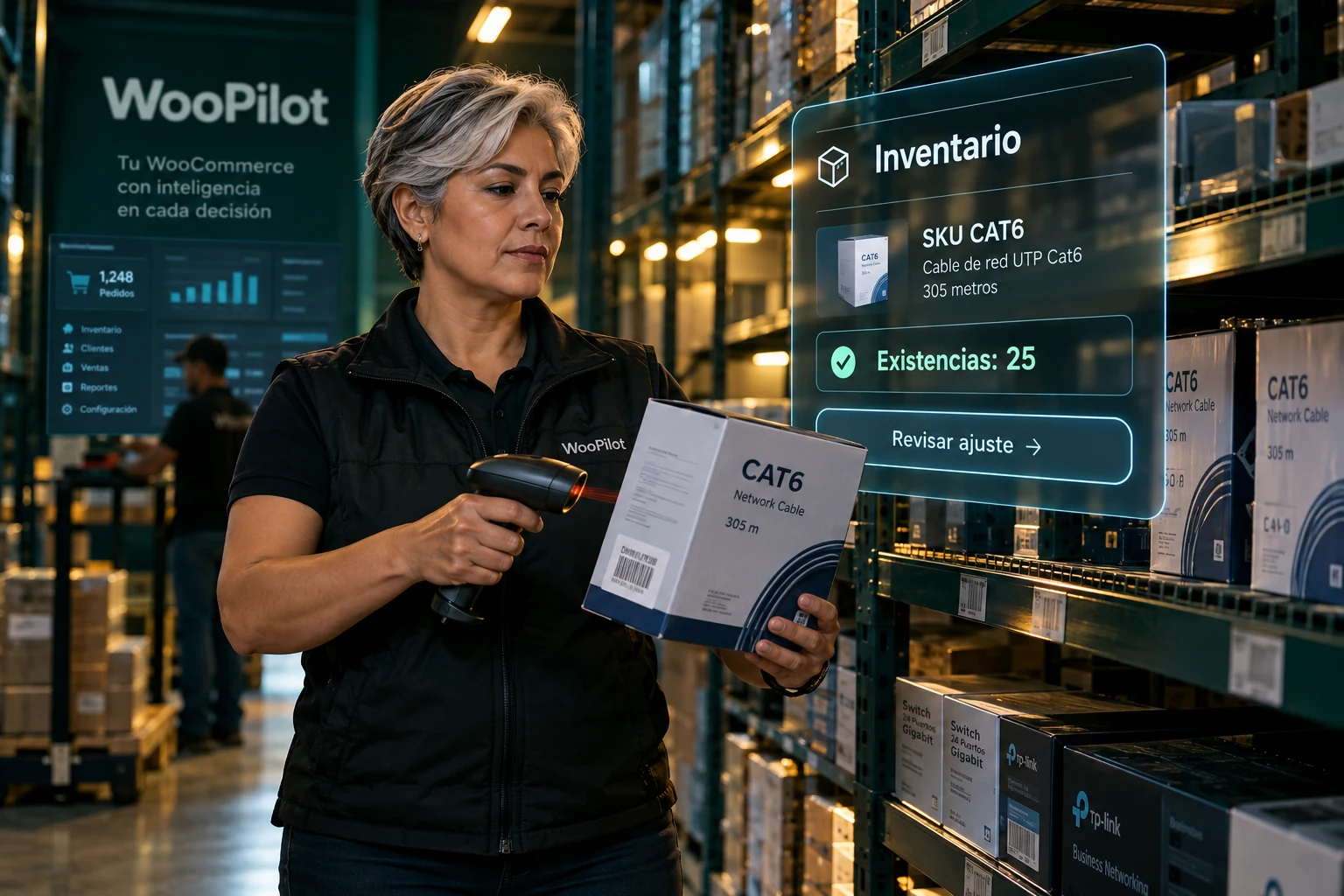
Look up first. Adjust second. Review the saved WooCommerce value.
Explore the skill →
Original customer and items. Quantities and total visible before approval.
Explore the skill →
A verified identity before attaching products, addresses or orders.
Explore the skill →Structure guides the search. Each product is verified afterward.
Explore the skill →
The same operational context, with authorized numbers and change review.
Explore the skill →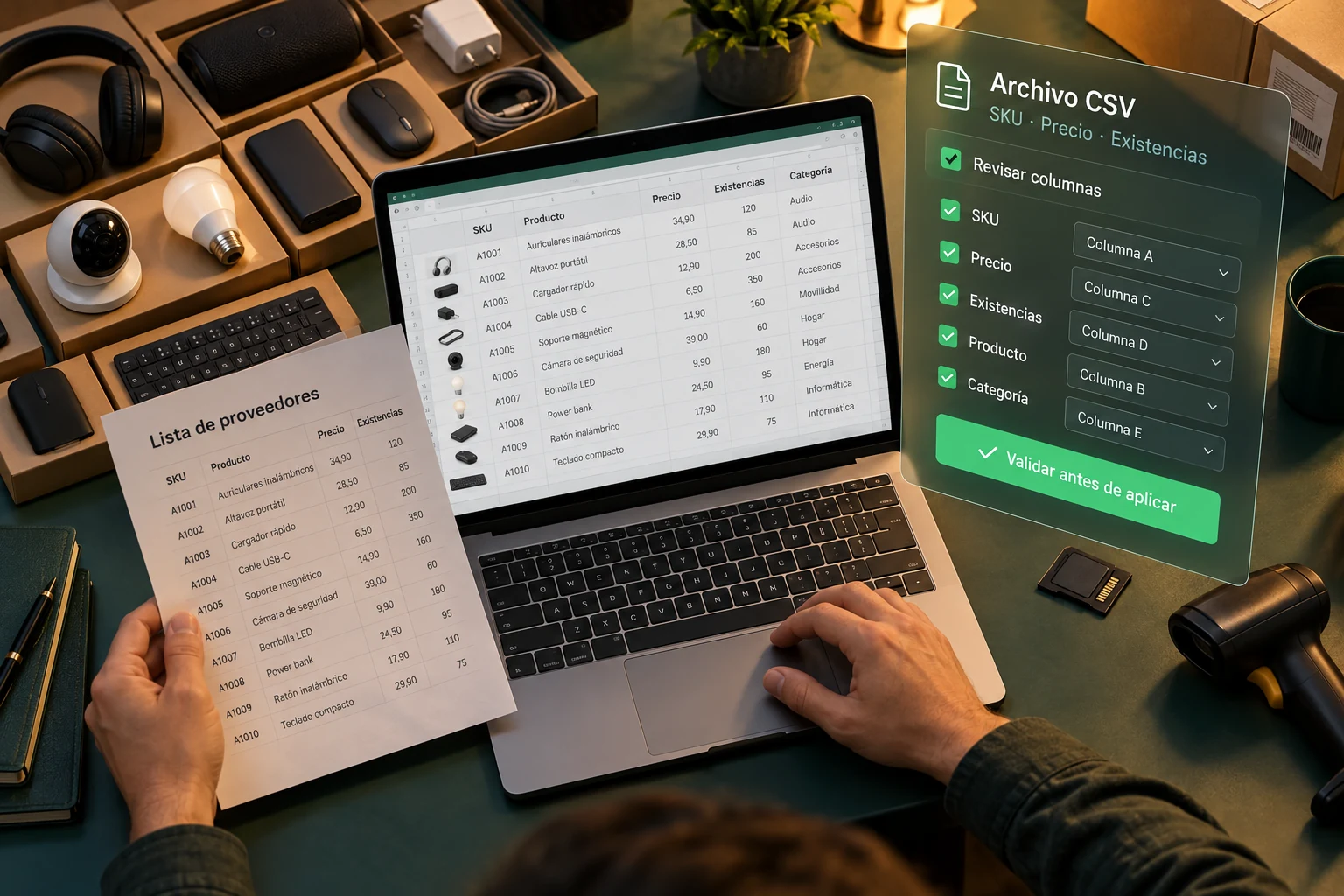
Understand the columns first. Then validate the appropriate operation.
Explore the skill →