Research what the buyer needs
“Find an affordable Dell laptop for office work. Explain the differences.”
Define budget, use and specifications. Ask for alternatives and an explanation you can bring to the buyer.
Explore this workflow →
Oráculo IA · WooCommerce
Oráculo IA tools for WooCommerce bring store lookups and operations into a chat. Explore each area to understand its data, which actions need approval and which capabilities remain under development.
The original commercial catalog, customers and orders remain in WooCommerce. The assistant must identify the right record before preparing a change and check the information your team will use.

Search by name or SKU and check price, description and availability. Prepare changes to the original WooCommerce product, with a review before saving.
Explore the scope →
Check original stock levels and prepare quantity or availability adjustments. Review current and proposed values before changing inventory.
Explore the scope →
Find orders, prepare orders with existing customers and products, and review status, line items, costs and available documents.
Explore the scope →
Search by name, company, email or phone. Prepare a new record with the required information and review the match before using it in an order.
Explore the scope →
Link your store’s number by QR code. Only authorized administrators and advisors can request operations from their phones.
Explore the scope →
Attach compatible documents to extract information and support the conversation. A chat attachment and a bulk import are different processes.
Explore the scope →Start by finding the customer and product. Check price and stock, clarify matches and review the proposed order. Depending on the operation, check quantities, status, taxes, shipping and documents exposed by the integration.
Categories help explain business structure, but querying them does not read the entire catalog. File analysis and bulk import are different processes. Review each module’s available capabilities before operating.
Review Initial, Professional and Team packages, shared allowances and the WhatsApp add-on. Prices are in MXN before taxes. Purchasing remains disabled while the agreed controls are completed.
You in command
Describe the result you want. Ask questions, compare alternatives, change your mind and keep talking. Oráculo IA is your AI assistant for WooCommerce: it helps connect product research, customer needs and your store’s operations.
From “which computer suits this customer?” to “prepare the order for this company,” you drive the conversation. Bring a product, a price list or a document and turn it into information for your next commercial decision.
“Find an affordable Dell laptop for office work. Explain the differences.”
Define budget, use and specifications. Ask for alternatives and an explanation you can bring to the buyer.
Explore this workflow →“Compare these references and calculate my profit if I sell at 549 pesos.”
Gather accessible references or lists you share. Review cost, taxes, version, availability and the price you want to compete with.
Explore this workflow →“Find the SKU in my catalog. Tell me the current price and how many units I have.”
Read the original WooCommerce product and use its data to move from an idea to a concrete proposal.
Explore this workflow →“Find the customer and prepare an order with two units. Show me the total.”
Clarify missing details, review the order and approve the available operation. Then check status and original documents.
Explore this workflow →These are example conversations. Research depends on accessible sources and available data; store operations depend on enabled tools, permissions and review.
Oráculo IA · WooCommerce
You do not need to think in commands. Explain the result you need: understand a product, compare prices, find a buyer or turn a sale into an order. Explore how each skill connects to your daily work.

One identified product. Current fields in view. A proposal you can review.
Explore the skill →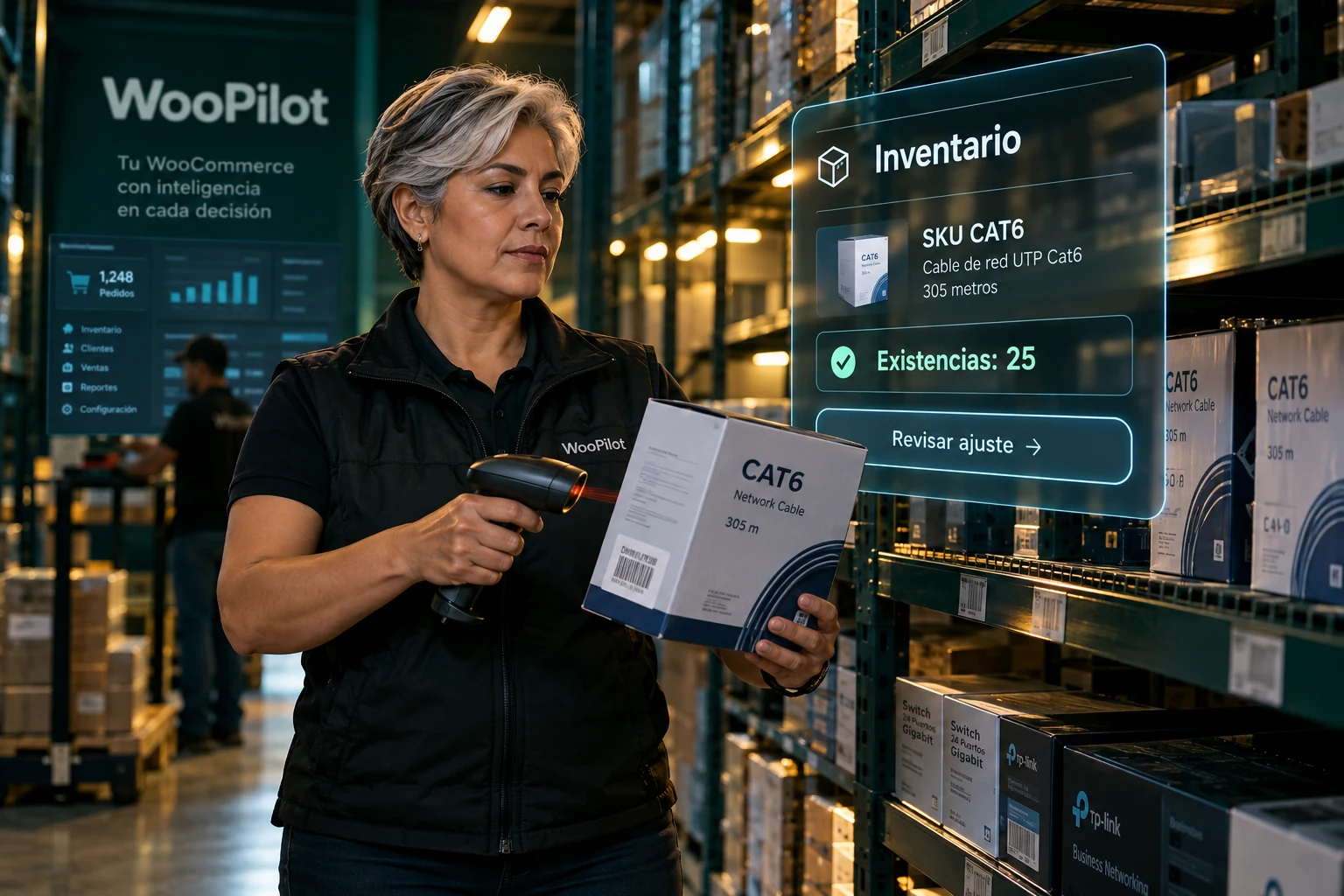
Look up first. Adjust second. Review the saved WooCommerce value.
Explore the skill →
Original customer and items. Quantities and total visible before approval.
Explore the skill →
A verified identity before attaching products, addresses or orders.
Explore the skill →Structure guides the search. Each product is verified afterward.
Explore the skill →
The same operational context, with authorized numbers and change review.
Explore the skill →
Understand the columns first. Then validate the appropriate operation.
Explore the skill →