Talk directly to your copilot
In private conversations, authorized administrators and advisors can write without a mention. In groups, mention the assistant to address the request to it. The team can use its familiar channel for operational help.

Oráculo IA · WhatsApp
The WooCommerce WhatsApp integration brings store operations to your team’s channel with permissions and approvals. Link your store’s number by QR code. Only authorized administrators and advisors can request operations from their phones.
Store connection and permissions required

 Oráculo IAExample
What is the price of this product?
Authorized advisor · Private chat
View product →Tell Oráculo IA
Authorized administrators and advisors can talk to Oráculo IA through WhatsApp. Ask about an item while serving a buyer, continue order preparation or check an order. The conversation follows the same idea: you set the objective and review the operation.
“Do we have CAT6? Tell me the product’s price and stock.”
“Compare the available references for this model.”
“Prepare an order for the customer we are serving.”
“Find this order and share its available record link.”
In private conversations, authorized administrators and advisors can write without a mention. In groups, mention the assistant to address the request to it. The team can use its familiar channel for operational help.
Link the store number by QR and check connection status. Available operations and their approvals retain the panel’s scope. Receiving a message does not enable new permissions.
The add-on defines numbers, advisors and assignment modes by plan. Panel and WhatsApp share the company’s AI allowance. The connection may need relinking if the phone session closes.
Oráculo IA · You in command
The same operational context, with authorized numbers and change review.
 Oráculo IAIllustrative example
“Check CAT6 and prepare the order for the customer we just identified.”
| Channel | |
|---|---|
| Access | Authorized advisor |
| Group | @Oráculo IA |
Link by QR from the store panel and check the connection before operating. Each business keeps its own number and session. Unlinking from the phone may require scanning again.
Authorized administrators and advisors can talk directly without a mention. In a group, mention the assistant to address a request or approval. Number authorization is still required; mentioning the assistant does not grant permissions.
Request products, customers or order preparation within the enabled scope. Check links and the original result. Panel and WhatsApp share the AI allowance; included numbers and advisors depend on your plan add-on.
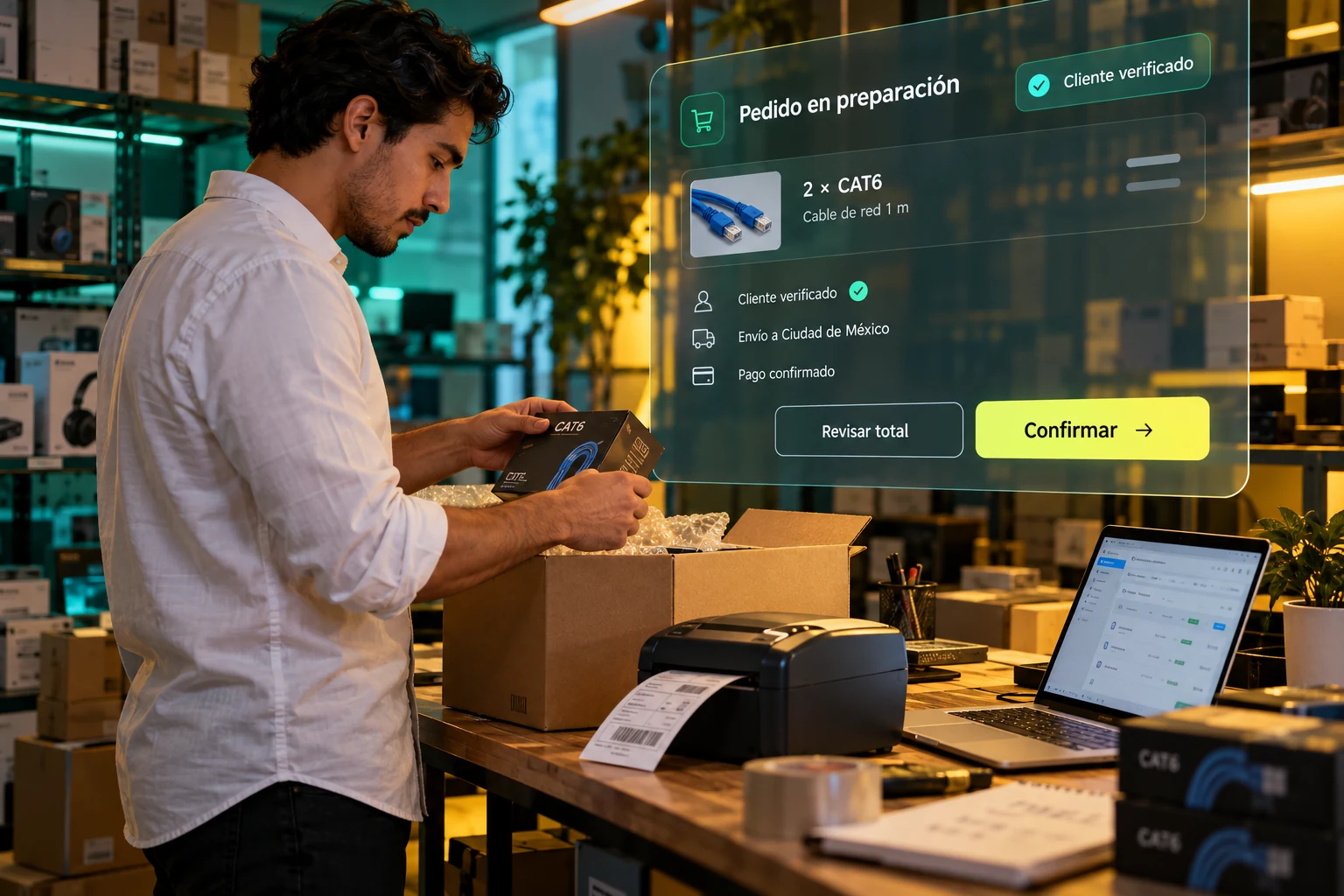
The product, customer and order belong to the same sale. Continue to the next skill with identified records and review each change against the original. Illustrative scene.
One skill connects to the next. Continue your operational workflow.
Explore the next step →Work with context: identify the right record, query available information and review the scope before requesting a change. These features explain what to expect in this section.
Open linked devices on your phone and scan the store code. The panel shows connection status.
Configure administrators and advisors. Knowing the number does not itself grant administrative permissions.
Talk directly without a mention. In groups, mention the assistant to address a request or approval.
Oráculo IA / WhatsAppDiagramOpen linked devices on your phone and scan the store code. The panel shows connection status.
Configure administrators and advisors. Knowing the number does not itself grant administrative permissions.
Talk directly without a mention. In groups, mention the assistant to address a request or approval.
A useful conversation
“Find SKU CAT6 and tell me how many units are in stock.”
“Prepare an order for this customer and show me the details to review.”
These are example requests. Results depend on store data, permissions and enabled features. When information is missing, Oráculo IA should ask.
Specify the customer, product or order and resolve matches before proceeding.
Check values and missing information. Available write operations require review and approval.
Distinguish between a lookup, proposal and saved operation. Check the original before repeating an action.
WhatsApp does not expand capabilities or remove approvals. Relinking may be required; permanent connectivity and fixed response times are not guaranteed.
See permissions and approvals →The connected store keeps its original records. Lookups do not create another commercial catalog, and saved operations must be reflected in the original.
The store links its session through the panel QR code. The administrator configures who may operate, and advisors must be authorized. Knowing the number does not grant administrative access or expand assistant capabilities.
Private conversations work directly; in groups, mention the assistant to address a request. Add-on numbers, advisors and assignment rules are described on the pricing page. Purchasing those packages remains disabled.
Before you start
No. It works with the original products, customers and orders in the connected store. Saved changes use WooCommerce functions and hooks.
Yes. Describe what you need and continue the conversation. If information is missing or matches are ambiguous, the assistant should resolve that with you before preparing a change.
Lookups do not change records. Write operations present a review and require the corresponding approval. Always check the store, line items and proposed values.
The store links its own connection using a QR code. Operations are restricted to authorized numbers. Private conversations do not require a mention; groups do.
The chat can analyze compatible formats within its size and reading limits. Background bulk import is a separate development: importing millions of products is not currently offered as an available capability.
On orders when your store connector and document plugin expose them. Oráculo IA shows available original documents; it does not invent invoices or turn a commercial PDF into a tax invoice.
Oráculo IA · NegocioLibre
Tell us how your team works and let’s review which operations you can bring to Oráculo IA.